We built Keepix for weddings, starting with our own. But I just turned 40, we threw a party, and we used Keepix there too. This is what happened, with the real numbers, and how to do the same at your own party.
- About 50 guests in a rented clubhouse
- 150 photos and 10 videos uploaded to one album
- 10 to 15 guests did the uploading
- QR codes printed and placed on the tables — that was the whole setup
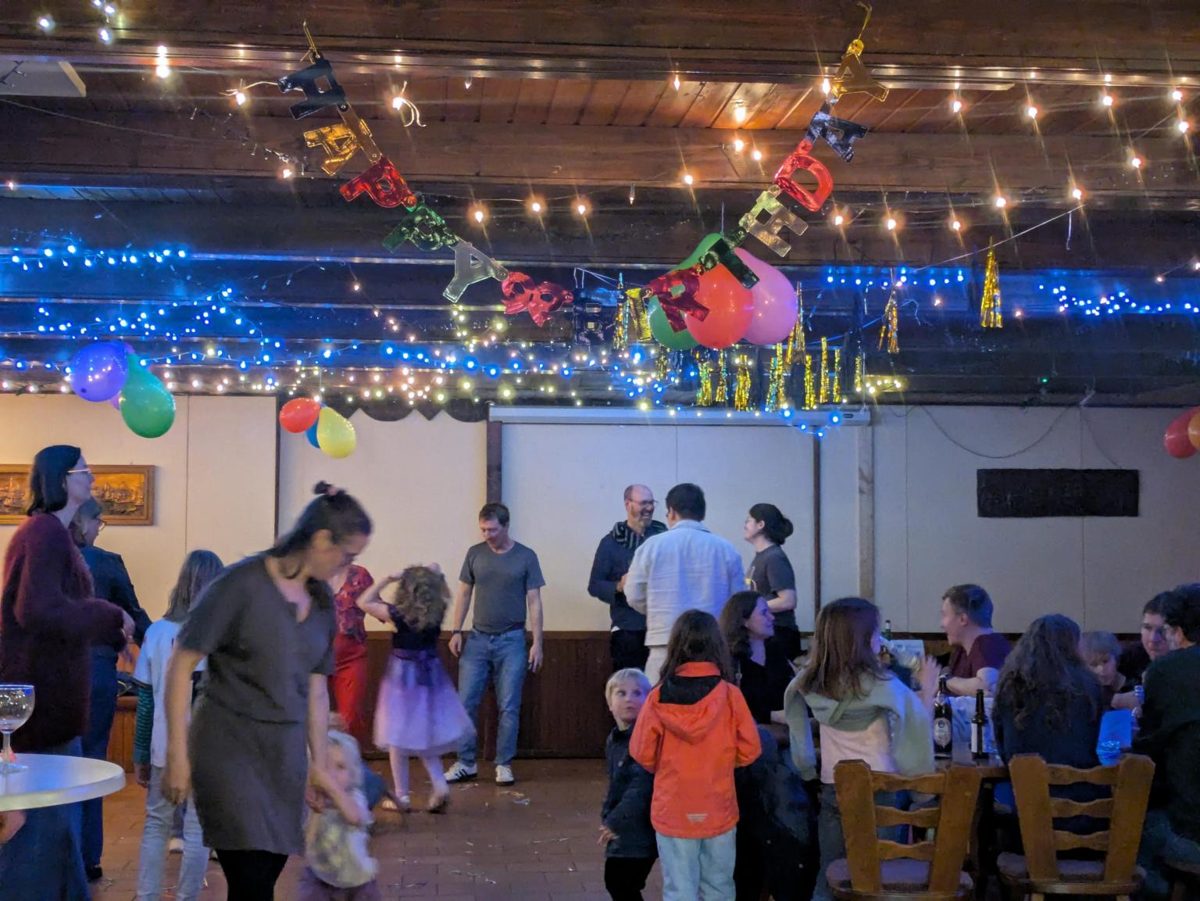
The Photos You Can't Take Yourself
The best part was not the count. It was that we got some really good pictures of ourselves, which normally never happens. When it's your party you are hosting, greeting people, giving a speech and cutting cake. You are in every important moment and behind the camera for none of them.
There was no hired photographer, which is true of most birthday parties. Every photo of the night lived on a guest's phone. Without the album, I would have seen the handful that people remembered to text me.


You Don't Need Every Guest to Upload
Here is the number I find most useful: 10 to 15 people out of roughly 50 produced all 160 files. That is about a quarter of the room.
Every party has a few people who take photos all night. You don't need to convert the other guests into photographers. You need to make it effortless for the ones already shooting to hand their photos over, while they are still at the party and before the pictures sink into a camera roll.
That is why the no-app part matters. Guests scan the code with the phone camera they already have and upload from the browser. Nobody installs anything or creates an account, so the step between "took a photo" and "it's in the album" takes seconds.
How We Set It Up
- Before the party: create an album in Keepix and print its QR code
- At the party: put a printed code on each table, where people are sitting with their phones anyway
- Afterward: download the whole album as one ZIP, at the original resolution each phone took
We already had a guide to wording and placing QR code table cards for weddings, and all of it applies to a birthday party.
What It Costs for a Party
The free plan holds up to 20 photos, which suits a small dinner. A party like ours went well past that, so it needs the Unlimited plan: a one-time $40, with no subscription and nothing for guests to pay.
Frequently Asked Questions
Create a shared album, print its QR code, and put a copy on each table. Guests scan the code with their phone camera and upload photos and videos from the browser, with no app to install and no account to create. Afterward the host downloads everything as one ZIP.
At my 40th, with about 50 guests, 10 to 15 guests uploaded 150 photos and 10 videos through QR codes on the tables. Expect a minority of guests to contribute most of the photos.
Keepix works for any event with guests. It was built for weddings, but the same QR code album works for birthday parties. The free plan holds up to 20 photos and the Unlimited plan is a one-time $40.